Destiny 2 Renegades: Lawless Frontier Holomap
2025 · UI/UX
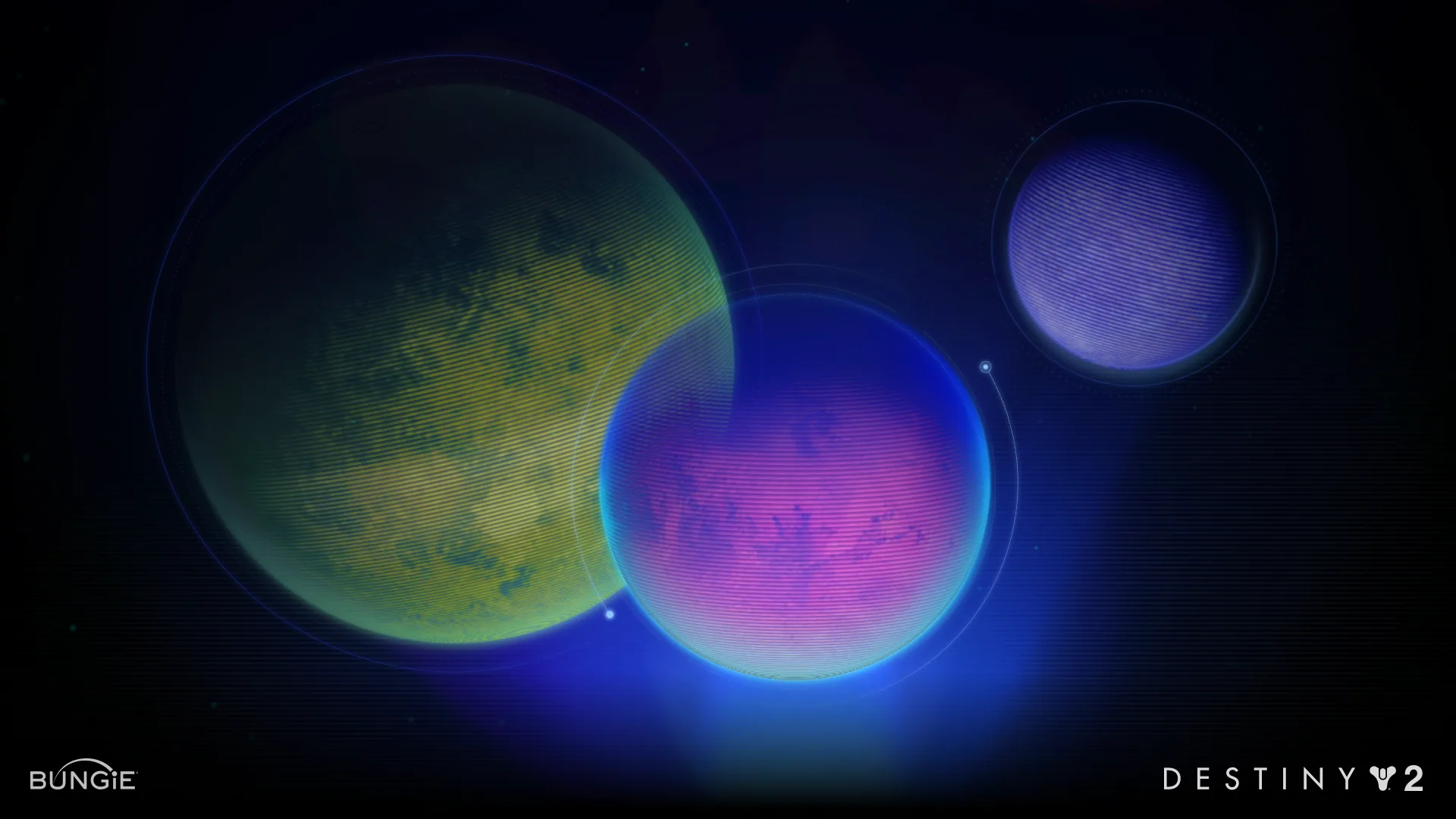
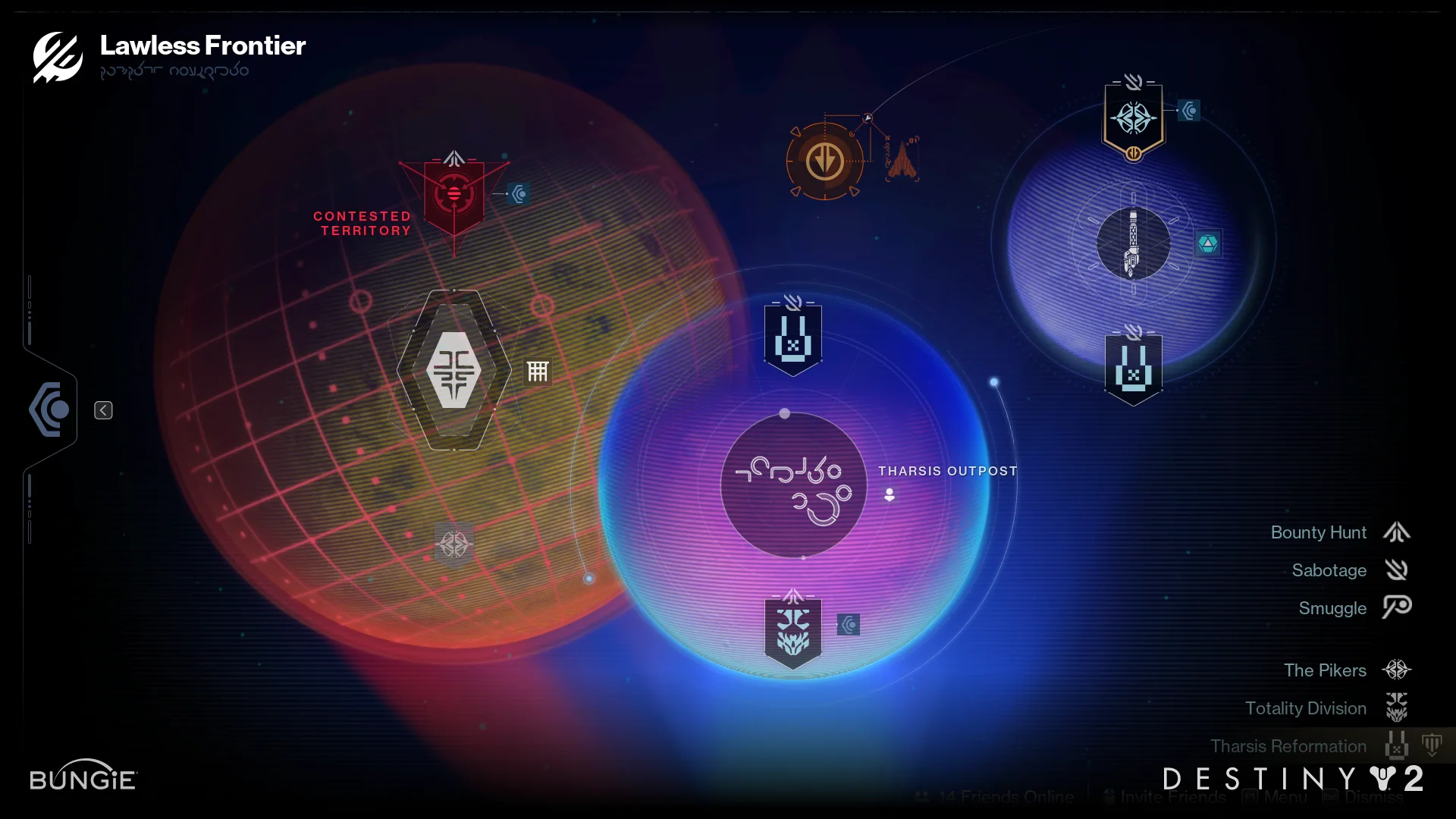
The front door to the Destiny 2 Renegades campaign: an engagement funnel that takes the form of a Star Wars–inspired UI and illustrates the war between three criminal syndicates across Venus, Mars and Europa.
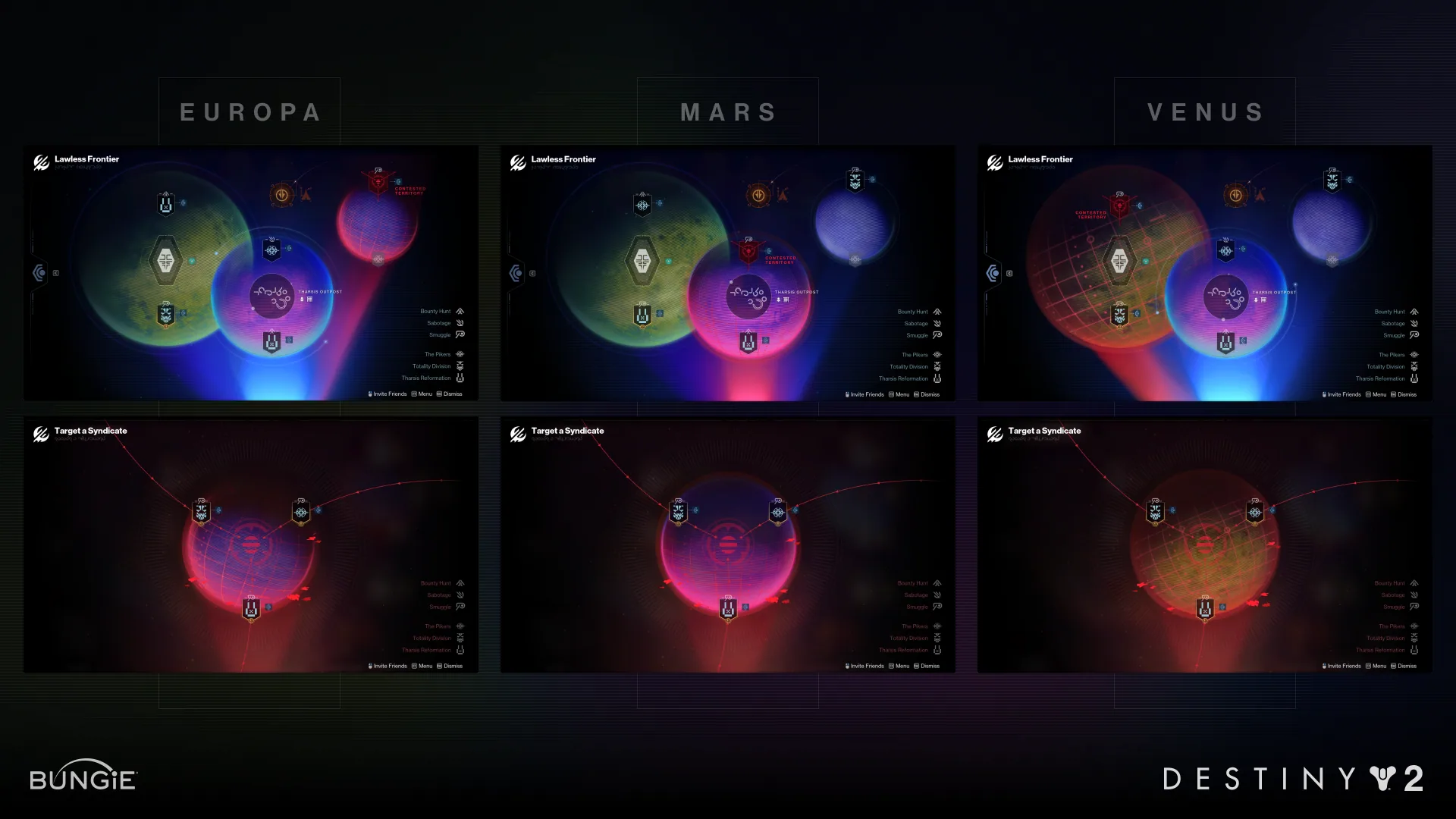
The Holomap is the front door for the Renegades Campaign experience and where the expansion's core game activity is navigated. The Holomap depicts the ongoing war between three criminal alien syndicates across Venus, Mars & Europa. We took a great deal of inspiration from the Star Wars IP as a homage to the franchise and carefully blended it with Destiny 2's visual direction.
My work mainly focused on the Nodes & Iconography used throughout the UI, and I collaborated with McKenna Morison (UI Visual Design) to figure out the layout and screen transitions.
Credits
- UI Visual Design (Nodes, Iconography, Node Layout & Animation Direction)
- David Castillo
- UI Visual Design (Planet Textures, Composition, Radials & Lighting)
- McKenna Morison
- Visual Design Craft Leads
- Dustin Thaxton, Jess Myers
- UX Design
- Graeme Goodman, Anna Parmentier
- UI Tech Design
- Neon O'Dea, Tyler Zwiers, Zoe Soroka
- UI Engineering
- Ashley Kling, Basil Elhindi
- Iconography (Expansion & Dungeon Identity)
- Lyndon Willoughby
- Art Direction
- Sam Rucks
- Producer
- Nix Kinney
- Feature Lead
- Ari Bilow
The Problems to Solve
For this expansion, our team was tasked to create a UI flow that brought players into the latest campaign missions that told the story of the Renegades campaign. Following the completion of the campaign, the systems we built would then need to take players to the frontlines of an ongoing war across 3 criminal syndicates — all wrapped up within visuals that elegantly combined both Destiny 2 and Star Wars' well known aesthetics.
The development of this screen needed to support:
The Holomap
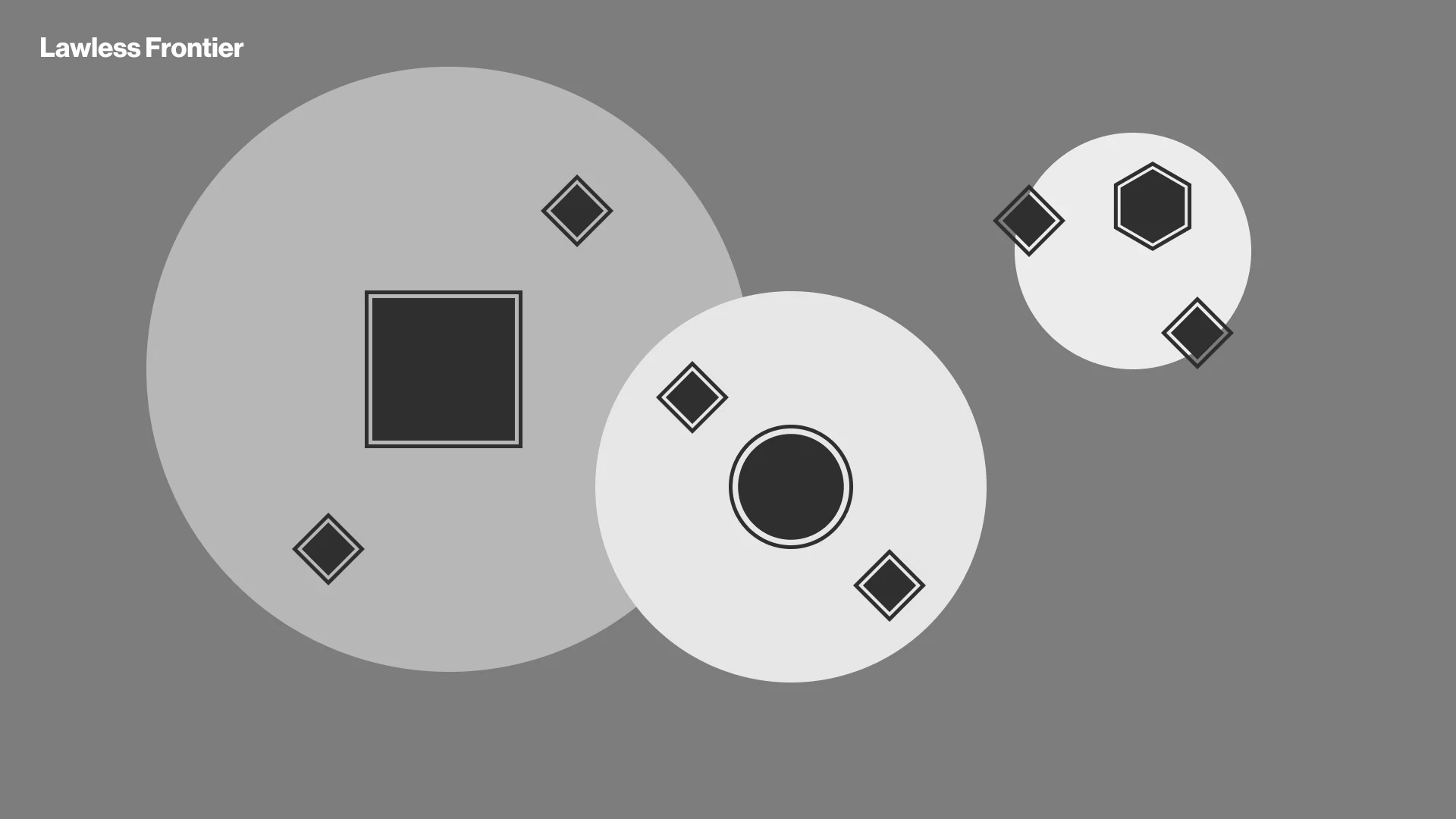
Our first challenge was deciding the art direction of the holomap. Our design team's core goal was to reinforce the fantasy of the game's new campaign first and foremost. The team had a general sense of where they wanted to start visually before the project kicked off, which was having the planets depicted like a hologram as a nod to the Star Wars franchise. But we needed to determine the point of view from which our audience would be interacting with the map: Is the viewer up against a hologram table? Framed as a terminal monitor? A part of some stolen alien interface?
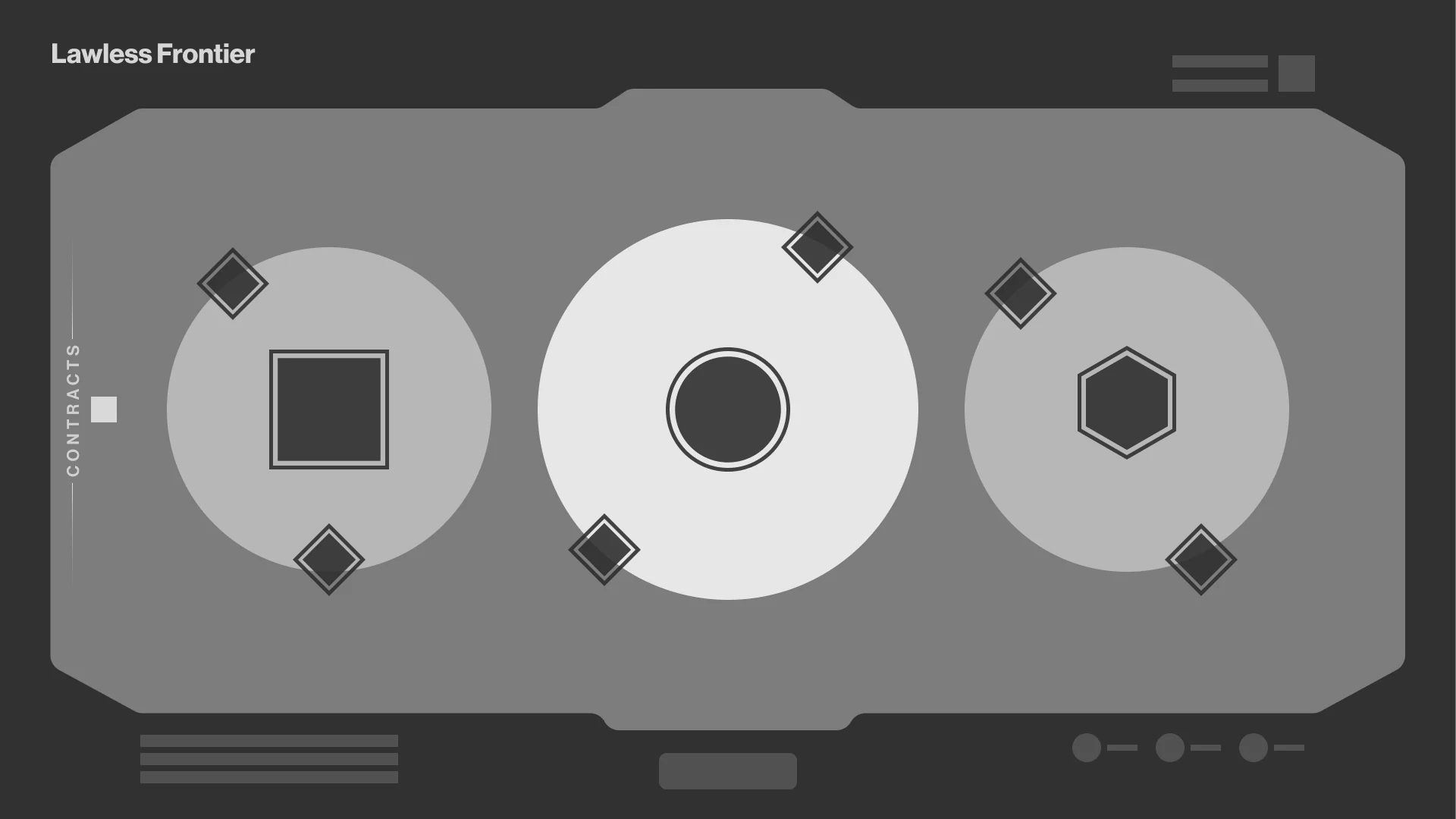
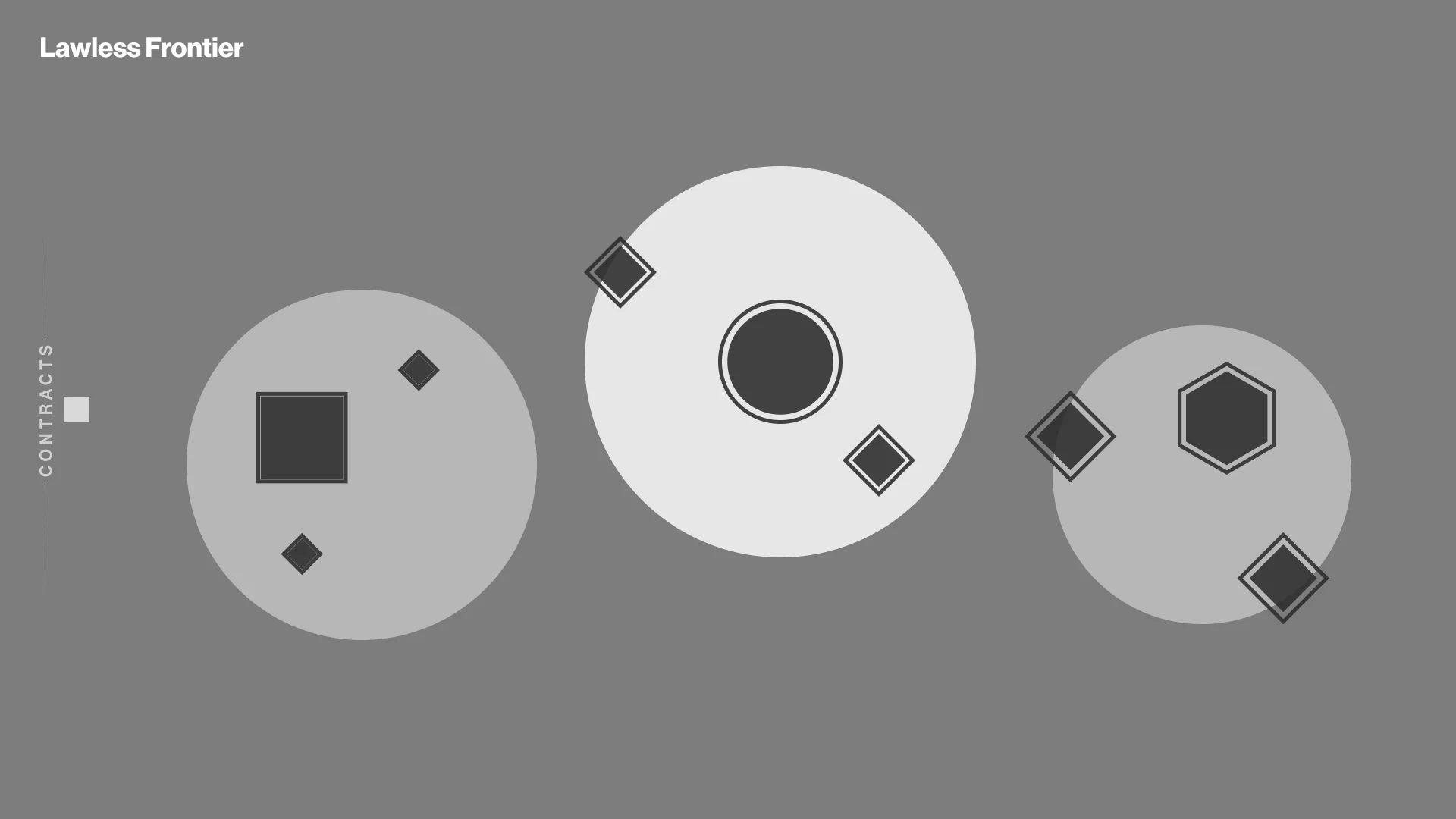
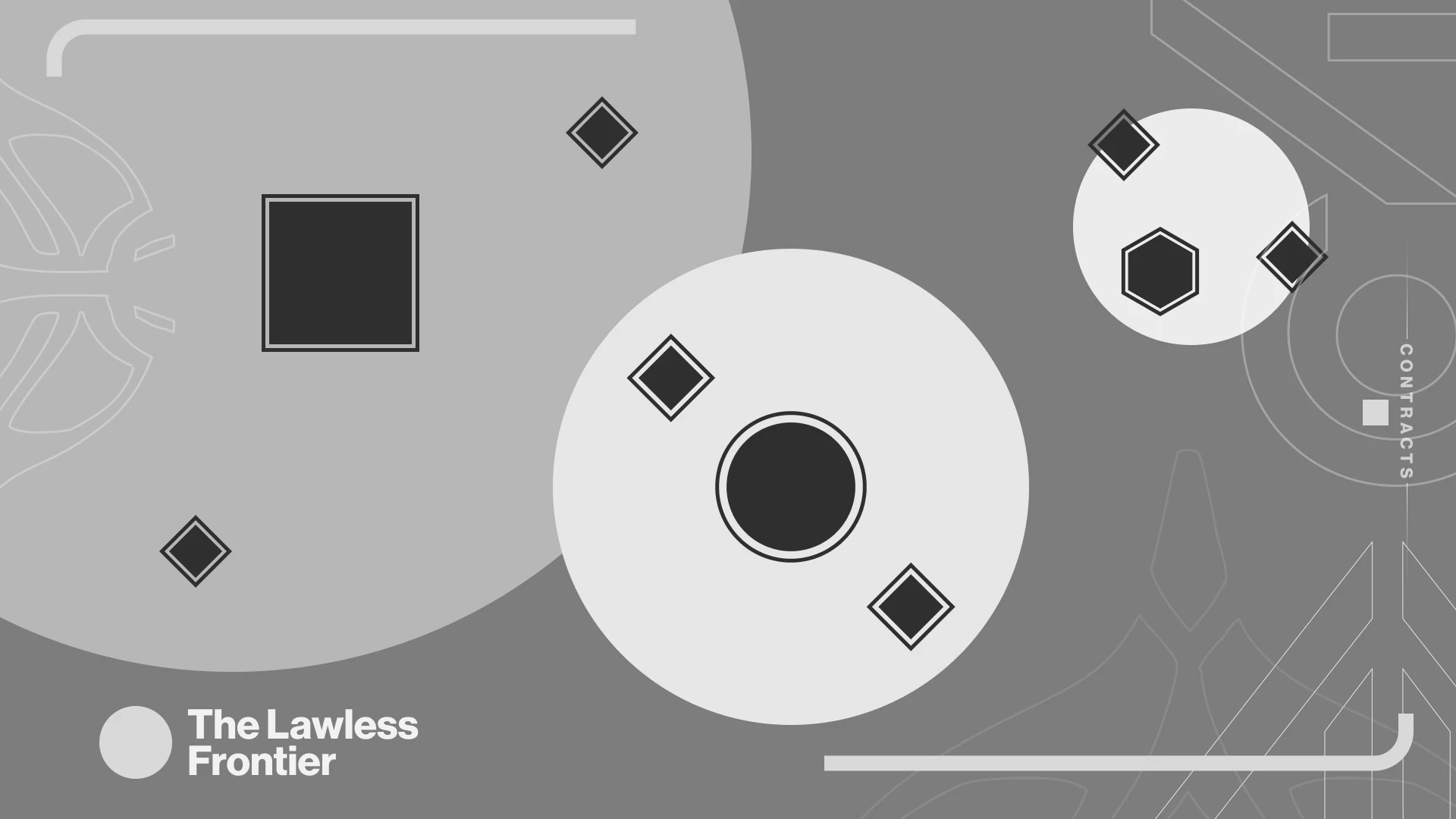
We decided to go with the second option for a variety of reasons — the two that stood out the most were reduced cognitive overload by removing extraneous elements, and a simpler path towards implementation. Engine limitations required us to keep bitmaps smaller (presenting executions with huge planets like in option 3 above), and the more we planned to polish and animate elements, the more our memory budget was reduced.
Node Design
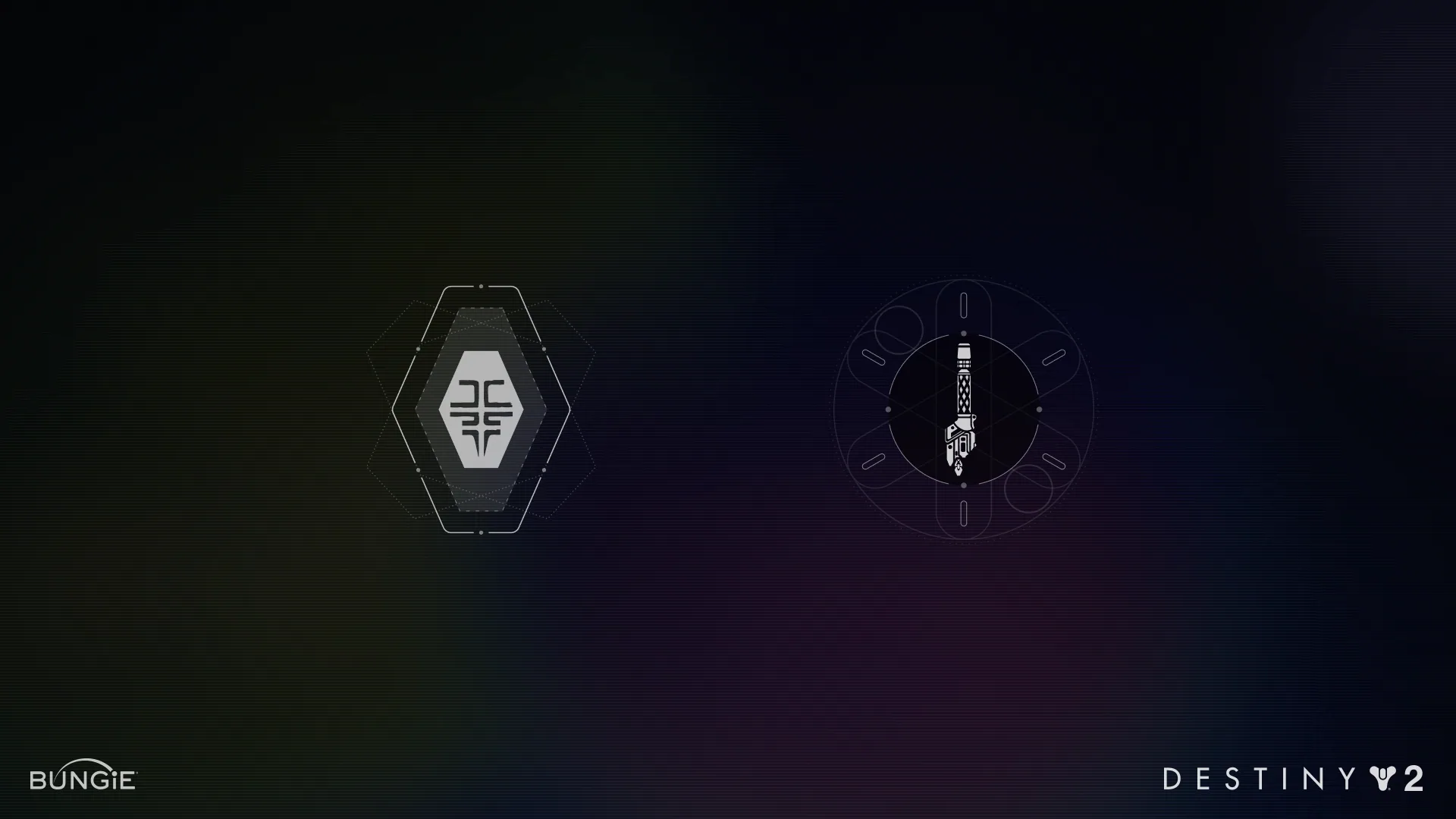
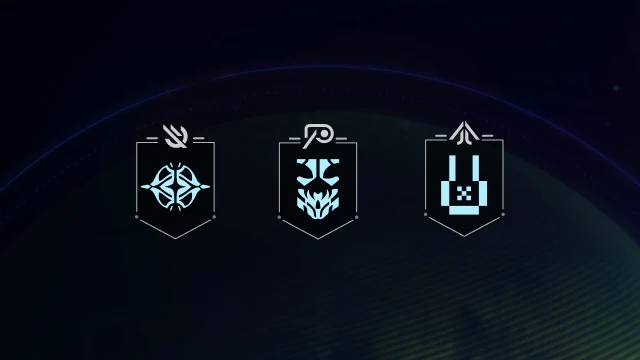
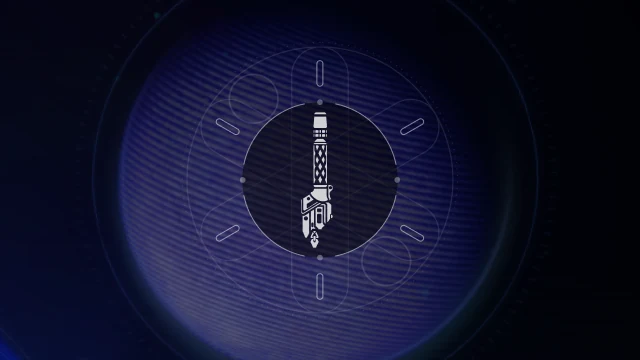
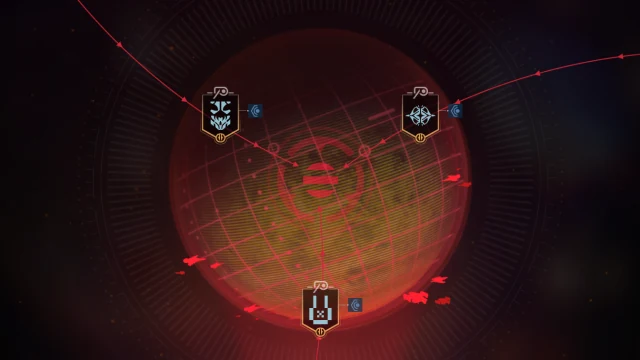
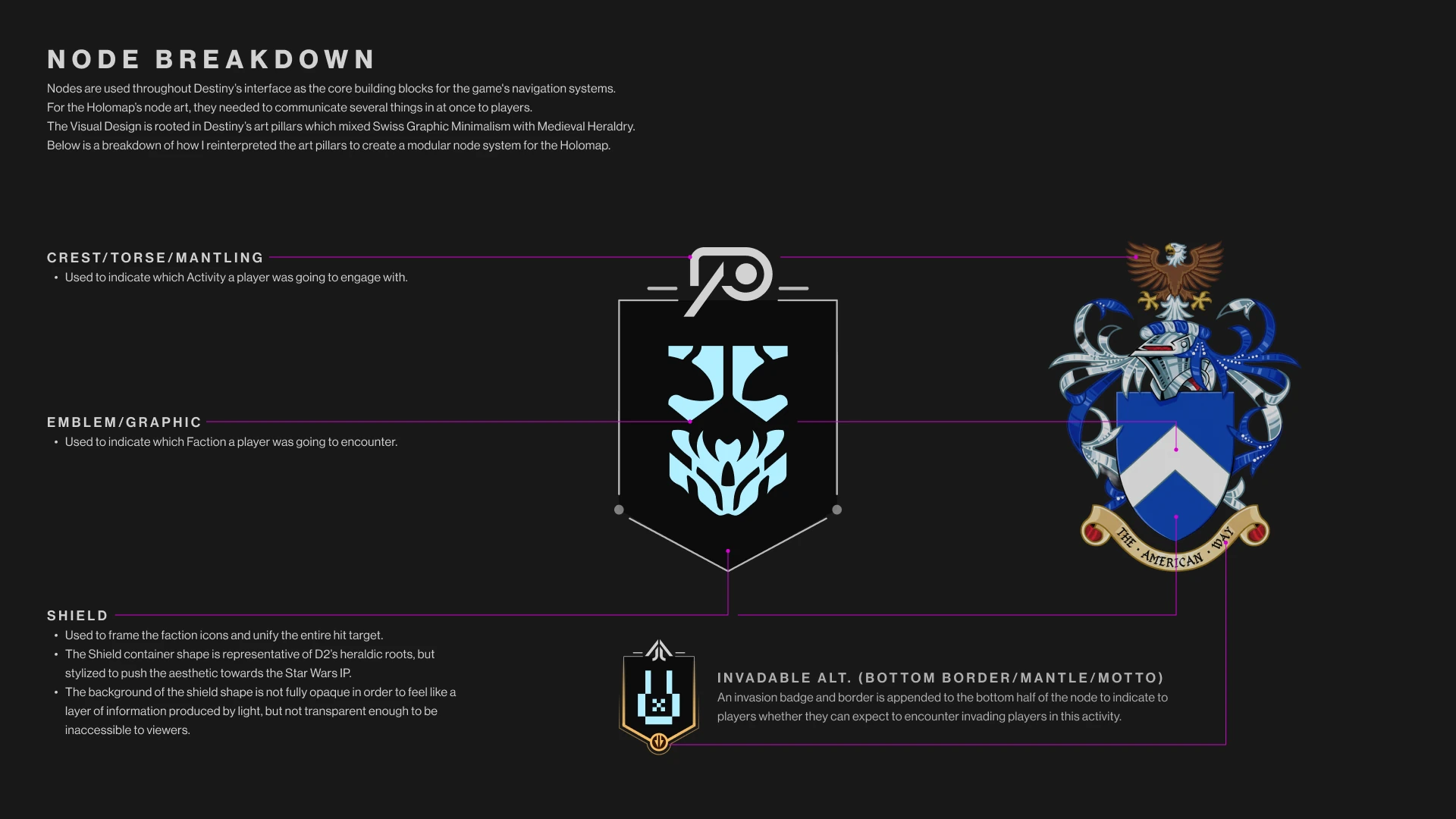
One of my major tasks on this project was redesigning our nodes to fit the 50/50 mix of the Destiny and Star Wars IPs, while meeting all of the usability requirements necessary for players to find and complete activities. The result is a modular hit target that communicates multiple pieces of information at once.
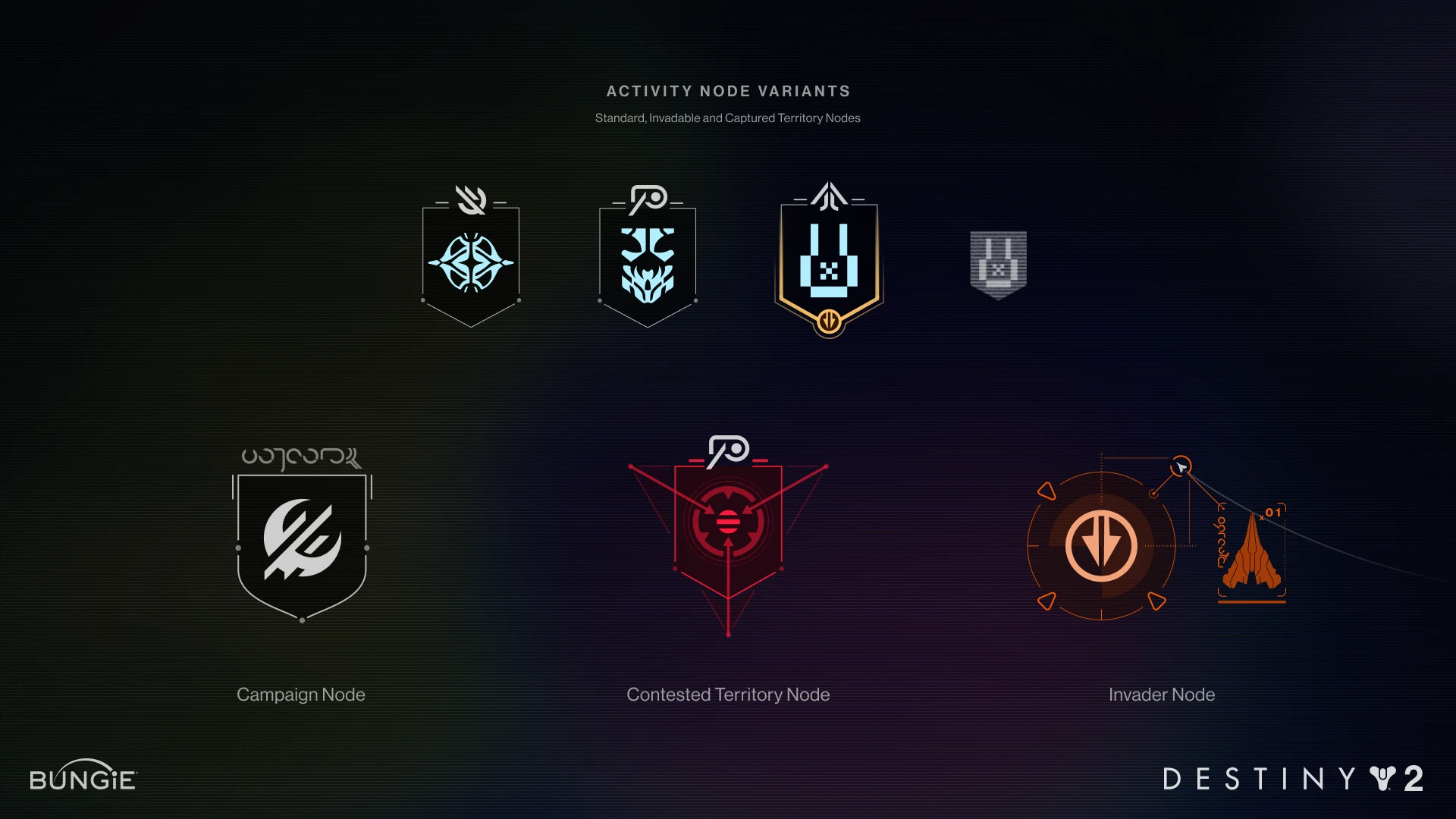
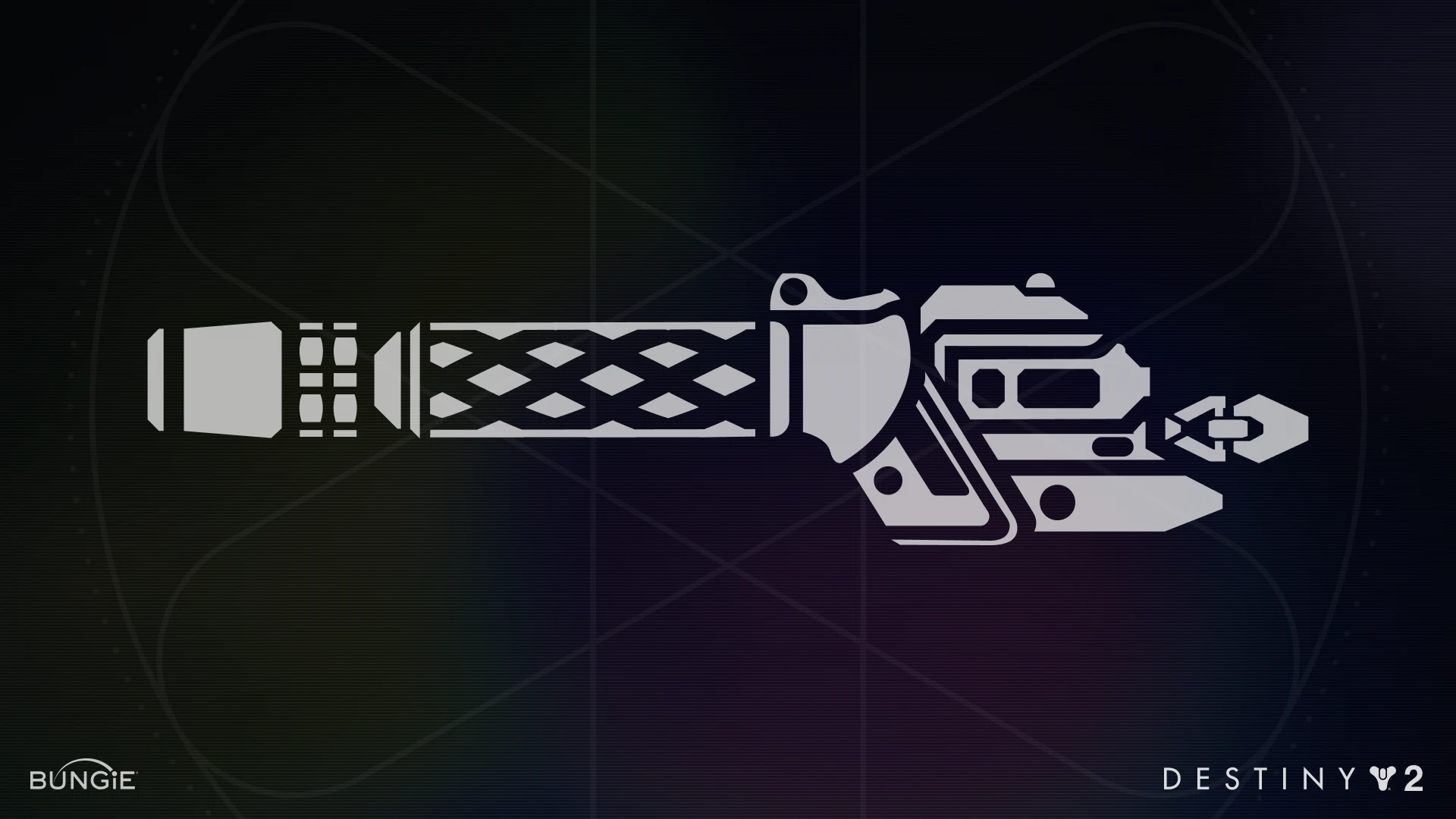
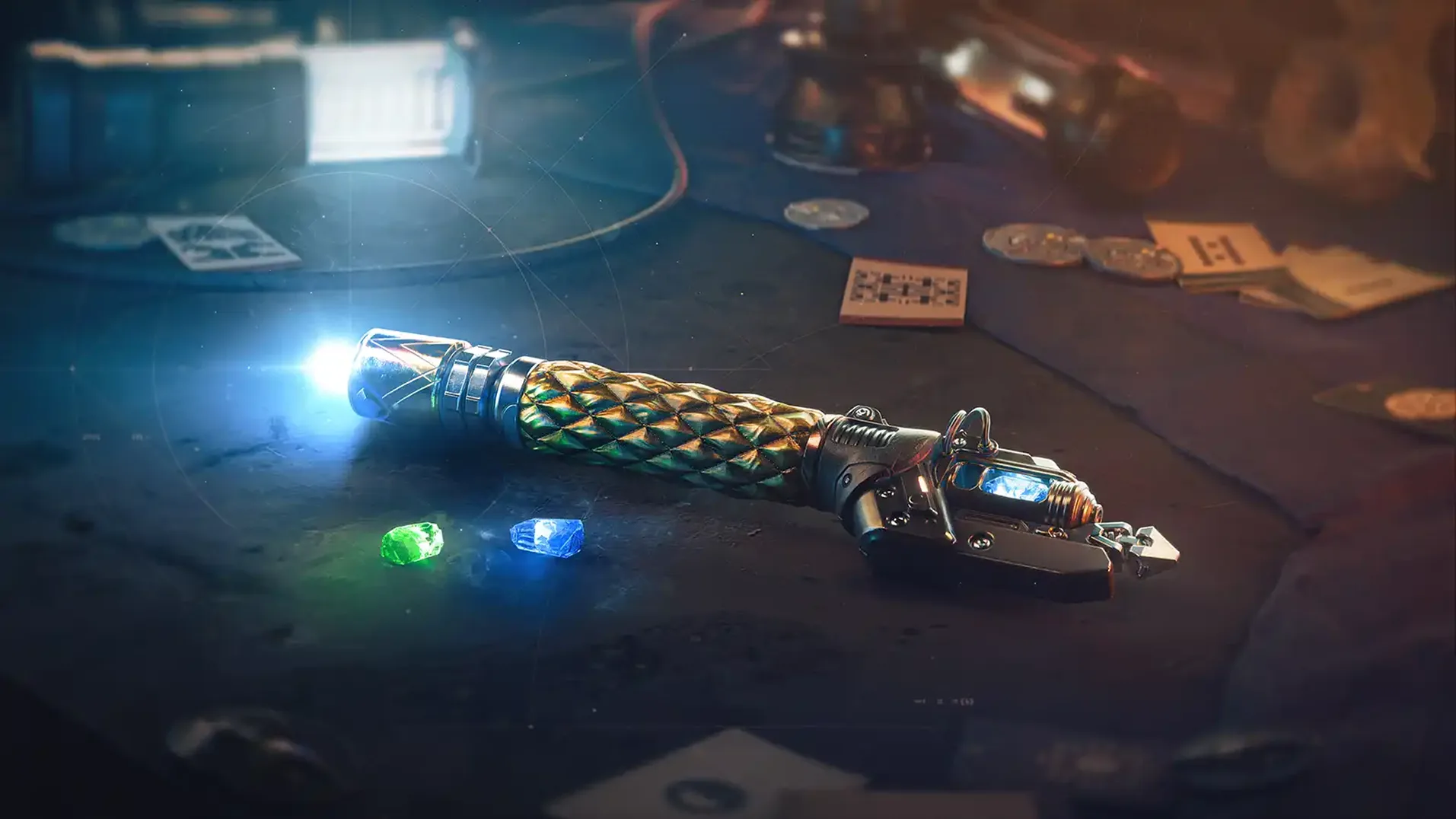
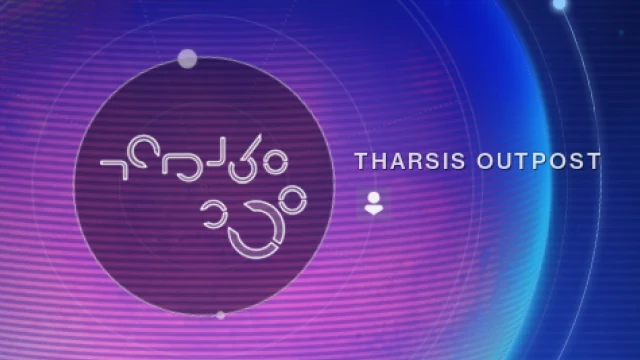
A major part of my responsibilities on this project involved aligning Art Direction, Concept, Icons, and my Craft Discipline teams to make sure all of the iconography and visual language being introduced to the feature was consistent throughout the campaign. In some cases, we lifted iconography directly from concept art and adjusted them properly for use across the UI. In others, I created bespoke iconography for our activities from scratch.
Resolving Cognitive Overload
There's almost no way to avoid some cognitive overload in an interface so complex, especially with new alien iconography to learn and memorize. But we employed a few tactics to help ease players while interacting with the Holomap:
1. Easing players in with breadcrumbing
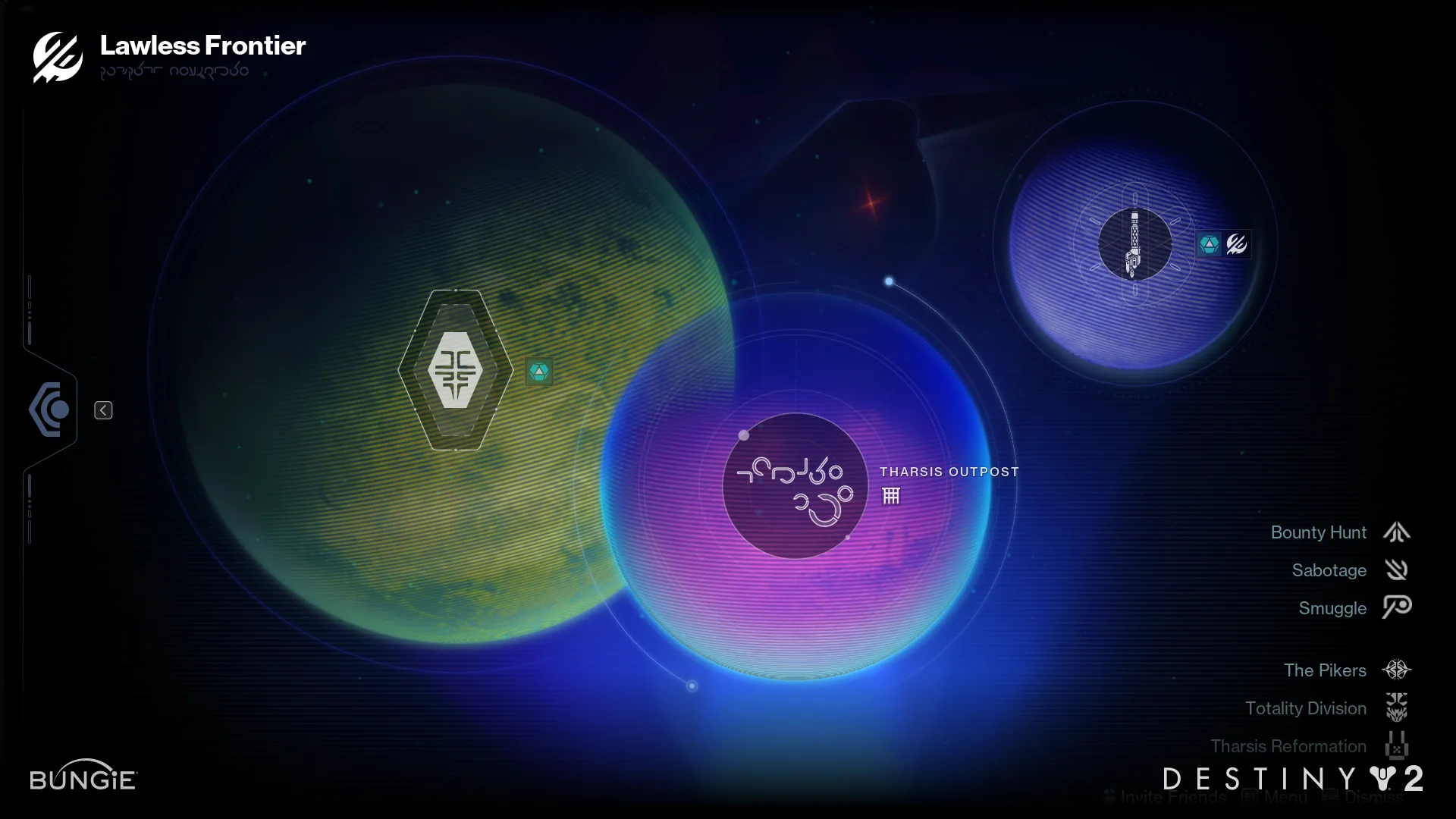
When the campaign begins, 90% of the nodes on the Holomap interface are hidden and only the relevant activities are surfaced. Any new additional node is introduced first in the campaign and then stays on the map once completed.
2. Implicit Alignment of Nodes
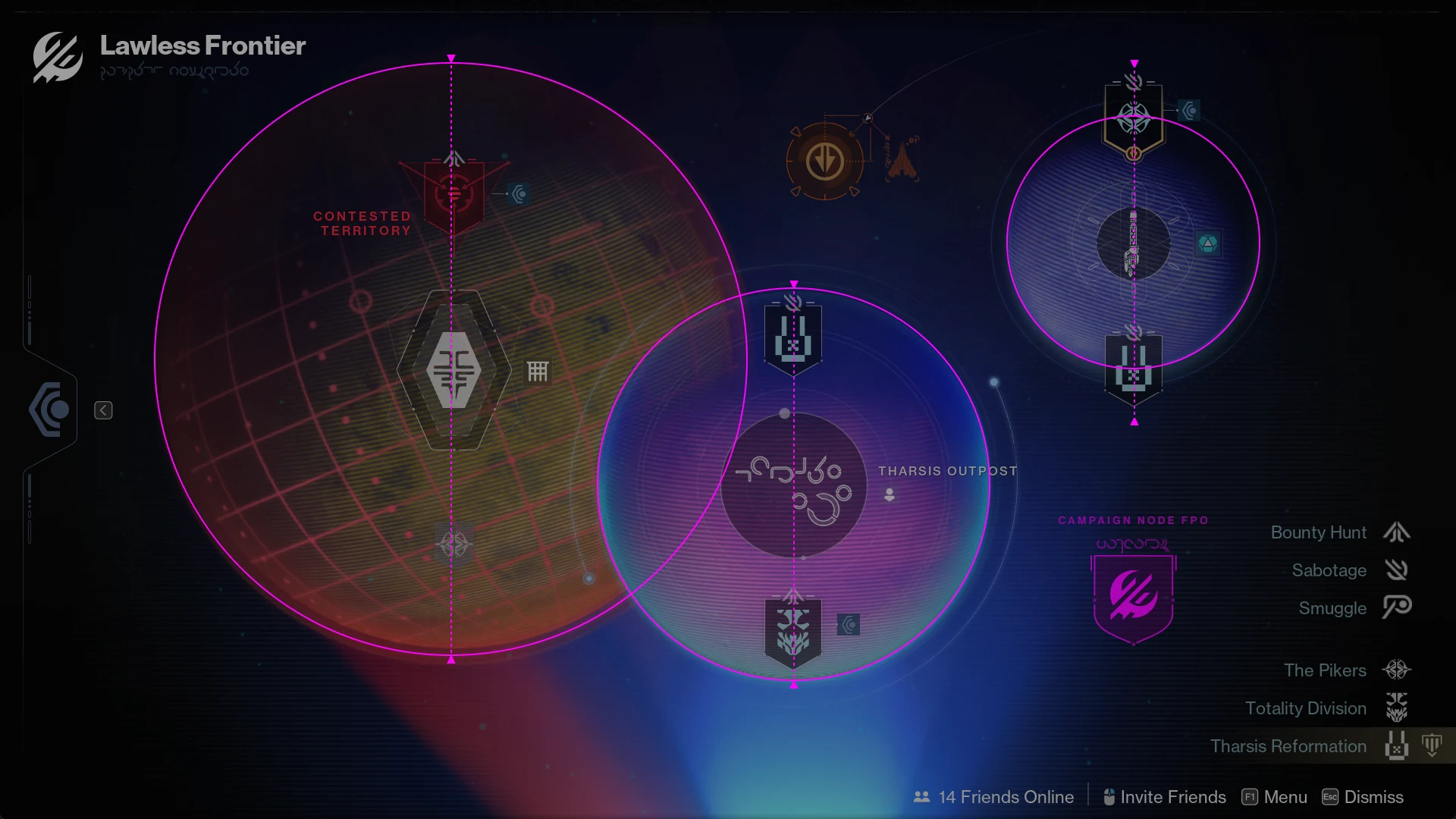
Playtesting revealed a lot of concerns from testers regarding cognitive overload. My solution was to align all of the planetary nodes vertically, anchored by the larger nodes on the centers of the planets, to help players parse the map quickly.
3. A Persistent Legend
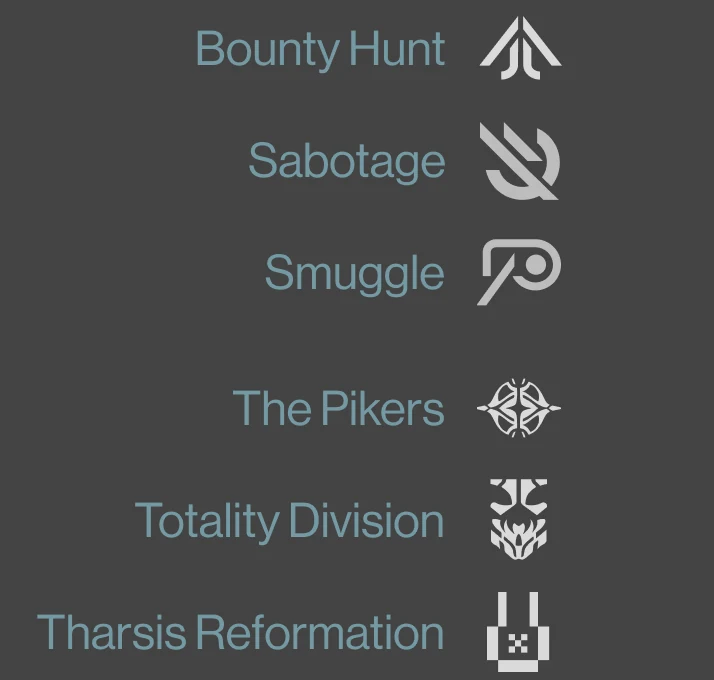
After additional testing revealed that testers were struggling to memorize all of the new iconography, the UX Designer (Graeme Goodman) and I quickly implemented a persistent legend at the bottom right of the screen to help players reference the info whenever they needed.
Contracts, Wallet & Subscreens
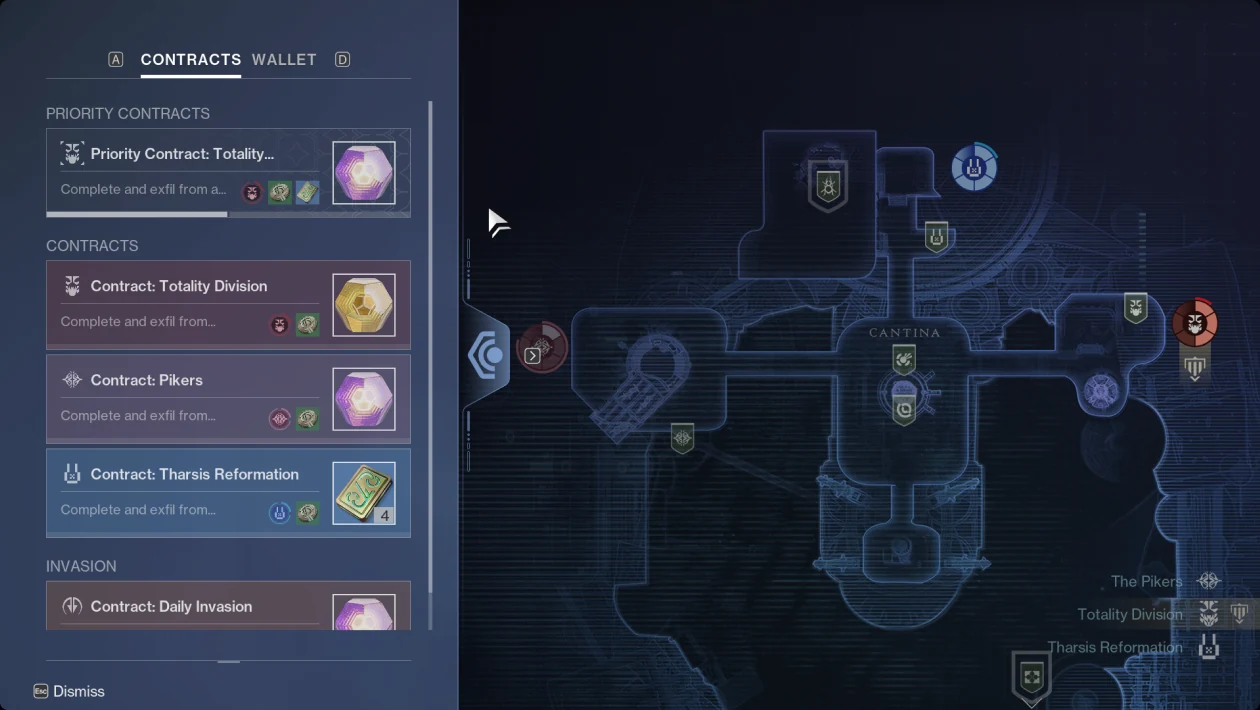
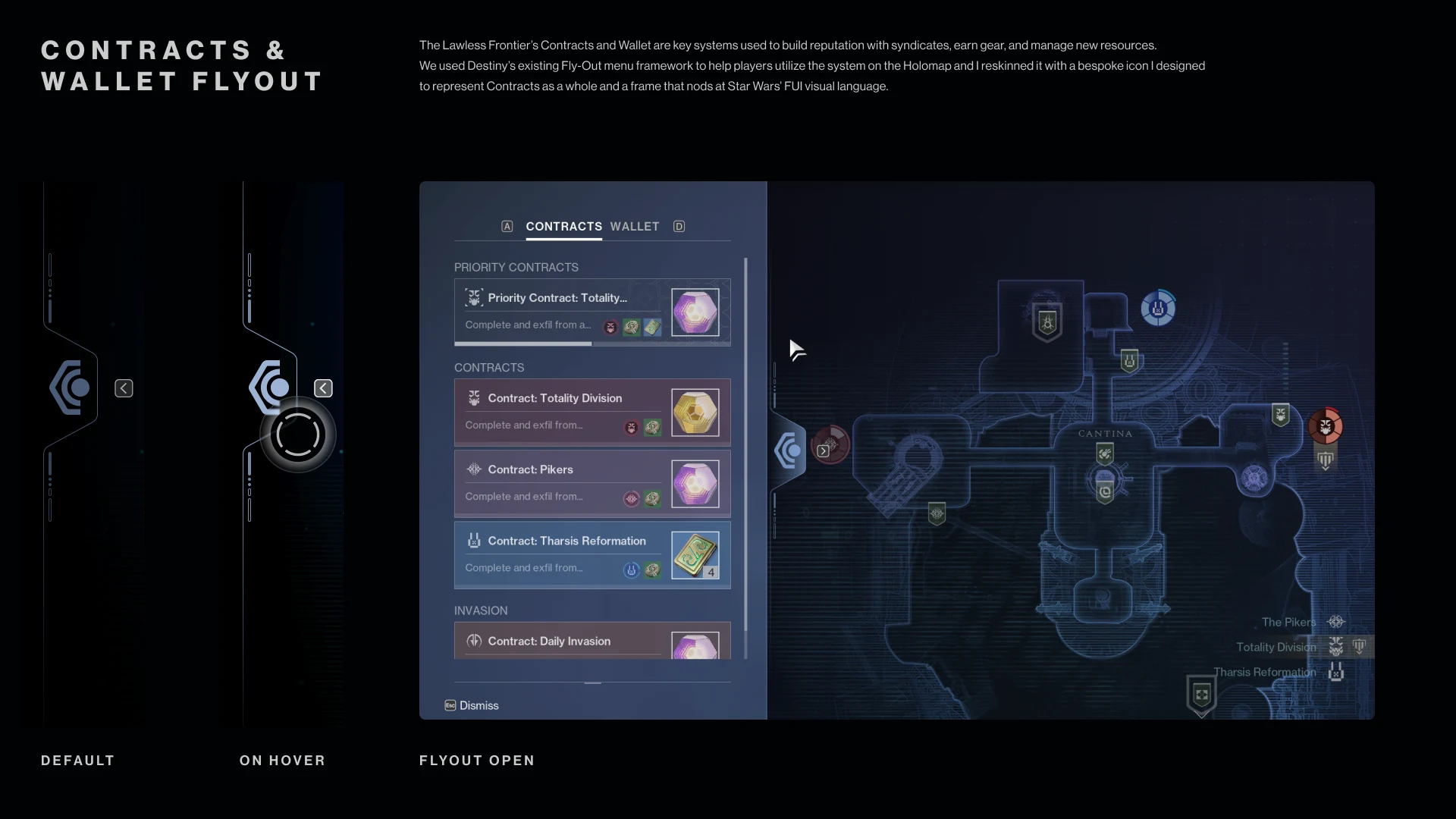
The Lawless Frontier's Contracts and Wallet are key systems used to build reputation with syndicates, earn gear, and manage new resources. We used Destiny's existing fly-out menu framework to help players use the system on the Holomap, and I reskinned it with a bespoke icon I designed to represent Contracts as a whole and a frame that nods at Star Wars' FUI visual language.
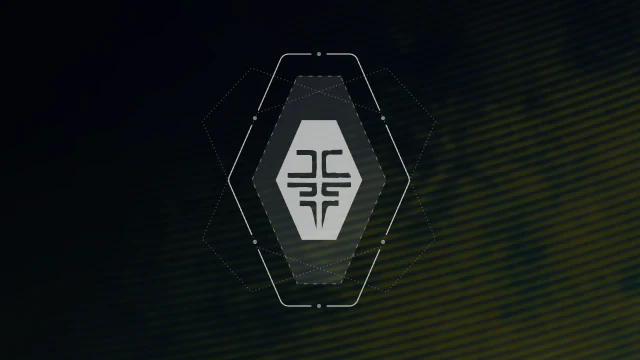
Contested Territories
Bringing the interplanetary war into focus.
Playtesting revealed some major gaps in the overall experience of the campaign after the initial builds of the expansion were put together. Ultimately, the experience was missing a great deal of tension around the war that was supposedly taking place between the three alien crime syndicates.
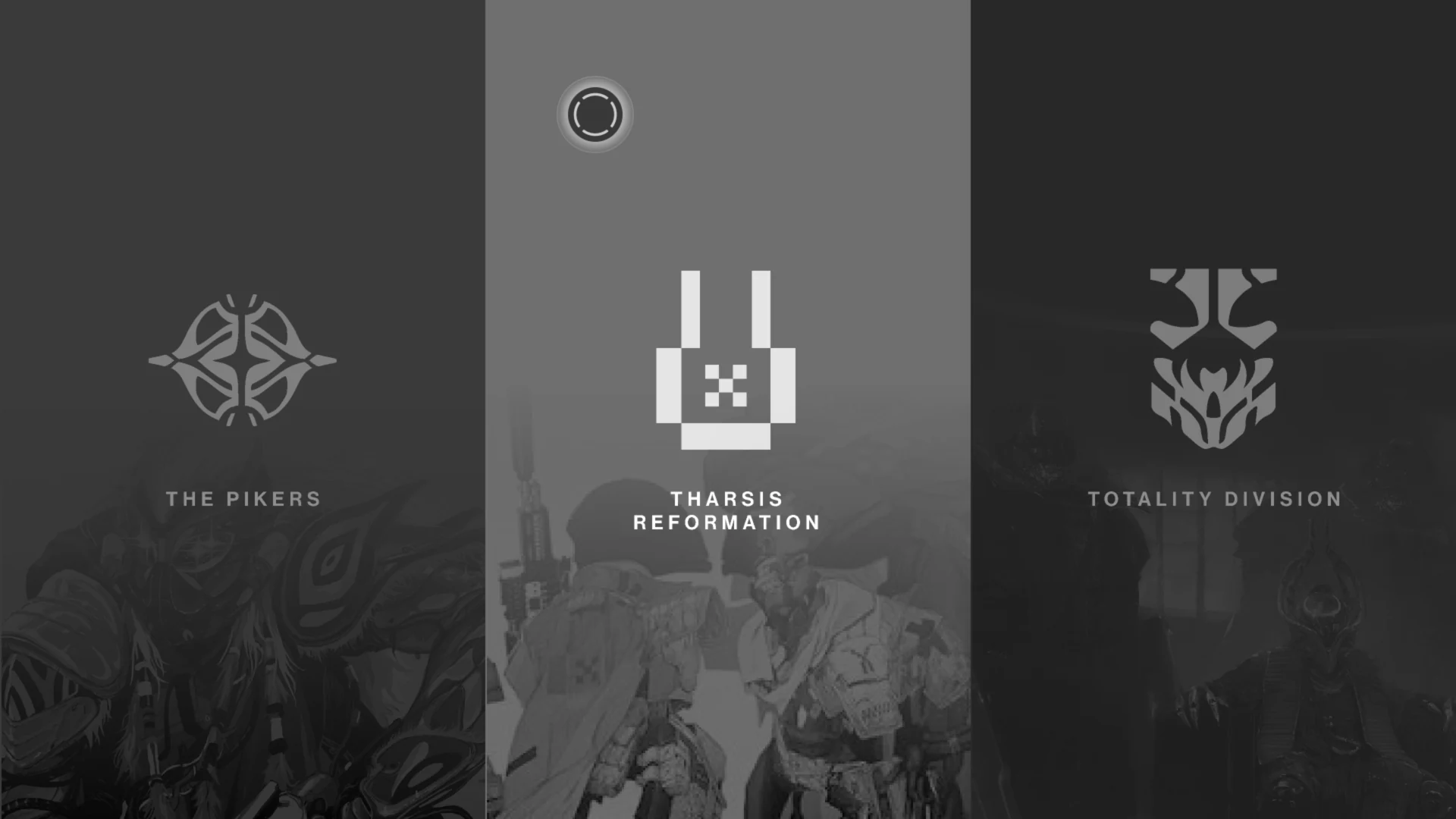
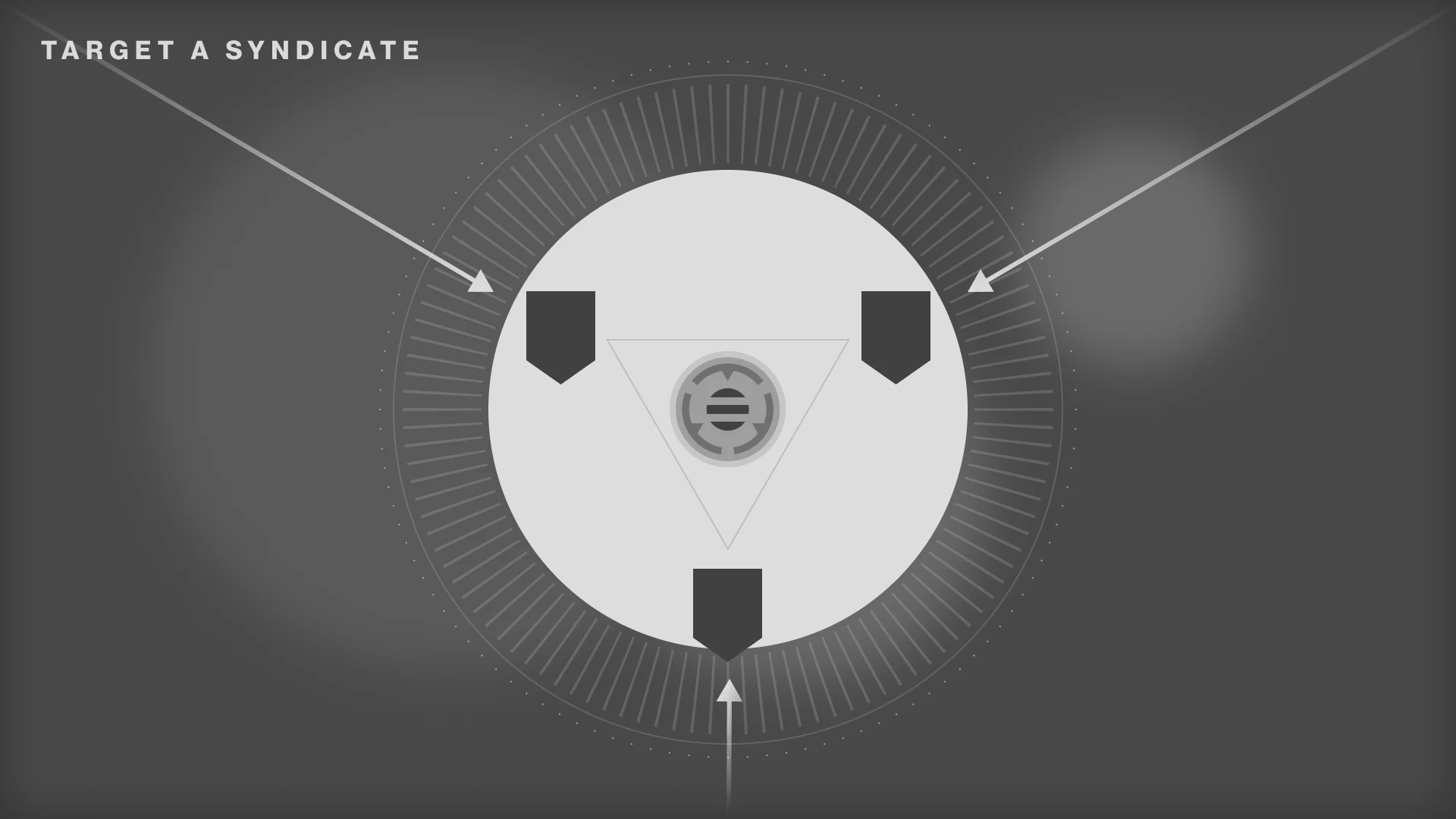
One of the critical focus areas towards the end of the project required us to emphasize the interplanetary war within the UI we were building, and visually demonstrating the consequences of the player's actions throughout their gameplay. With an extremely tight turnaround, I proposed the two wireframes above to our team. They focused on adding tension around the decision a player makes when selecting which Syndicate to wage war against, while remaining clear, bold and exciting.
1. Syndicate Select Subscreen
The Syndicate Select Subscreen focused on the Syndicate's Leaders that you wanted to wage war against, with huge hit targets that utilized existing UI tech in Destiny's UI to help ease implementation costs on such a short timeline.
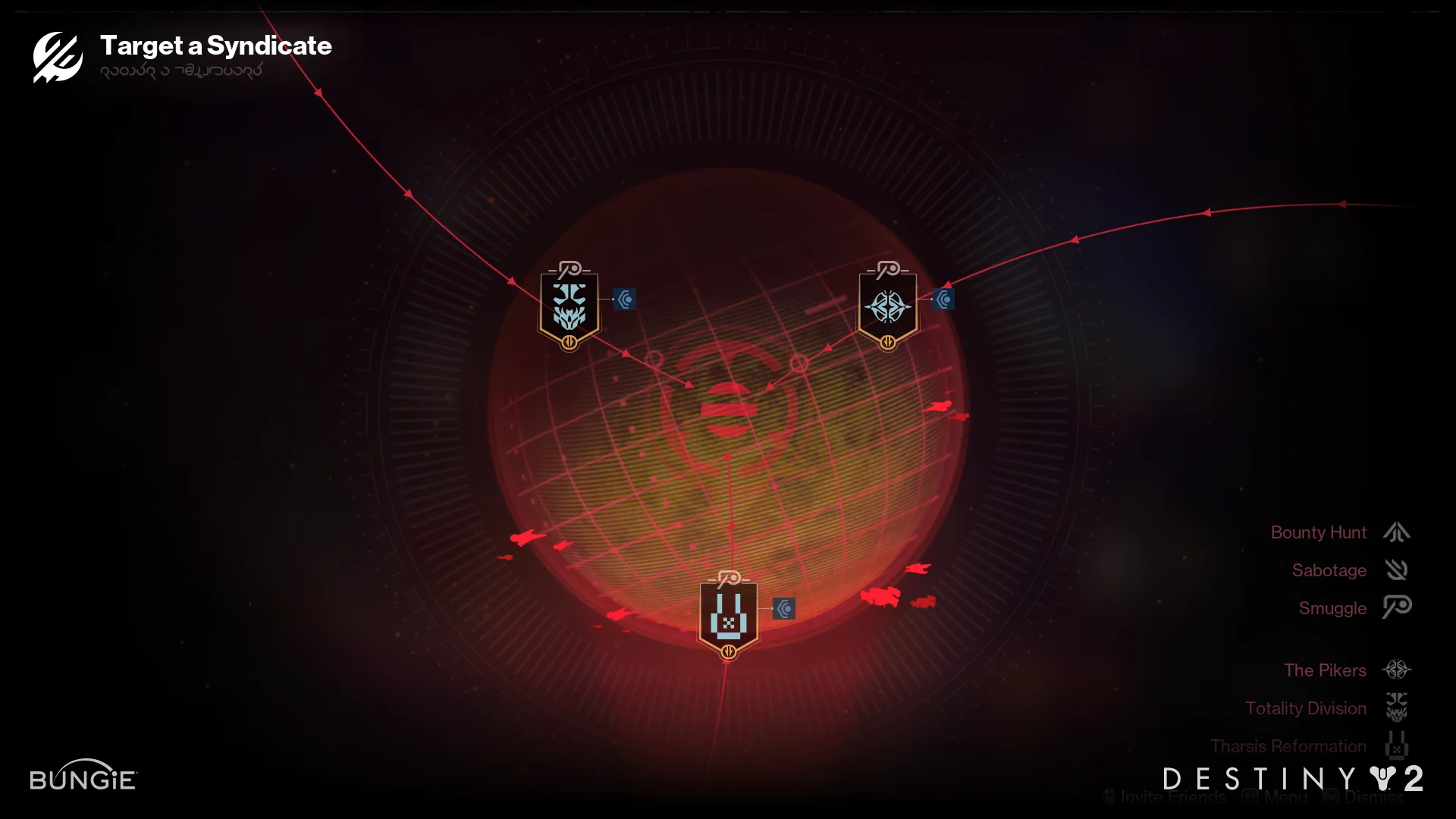
2. Planetary Subscreen
The Planetary Subscreen aimed to continue the planetary theme of the holomap, making it feel like you were manipulating the FUI to summon a detailed focus on a planet engulfed in conflict. It leaned heavily on the beautiful planetary visuals that Destiny is well known for, though it risked a higher technical cost to implement. It carries the same activity nodes from the previous screens to help players easily connect to the higher difficulty activities they needed to find on this screen.
Additional details